 Mark to Read
Highlight any text.
Hear it read aloud.
Select text on any web page, press play, and listen in a natural, human-sounding voice that runs entirely on your own computer.
Add to Chrome — it’s freeNo account. No subscription. Your text never leaves your device.
Three steps. No setup.
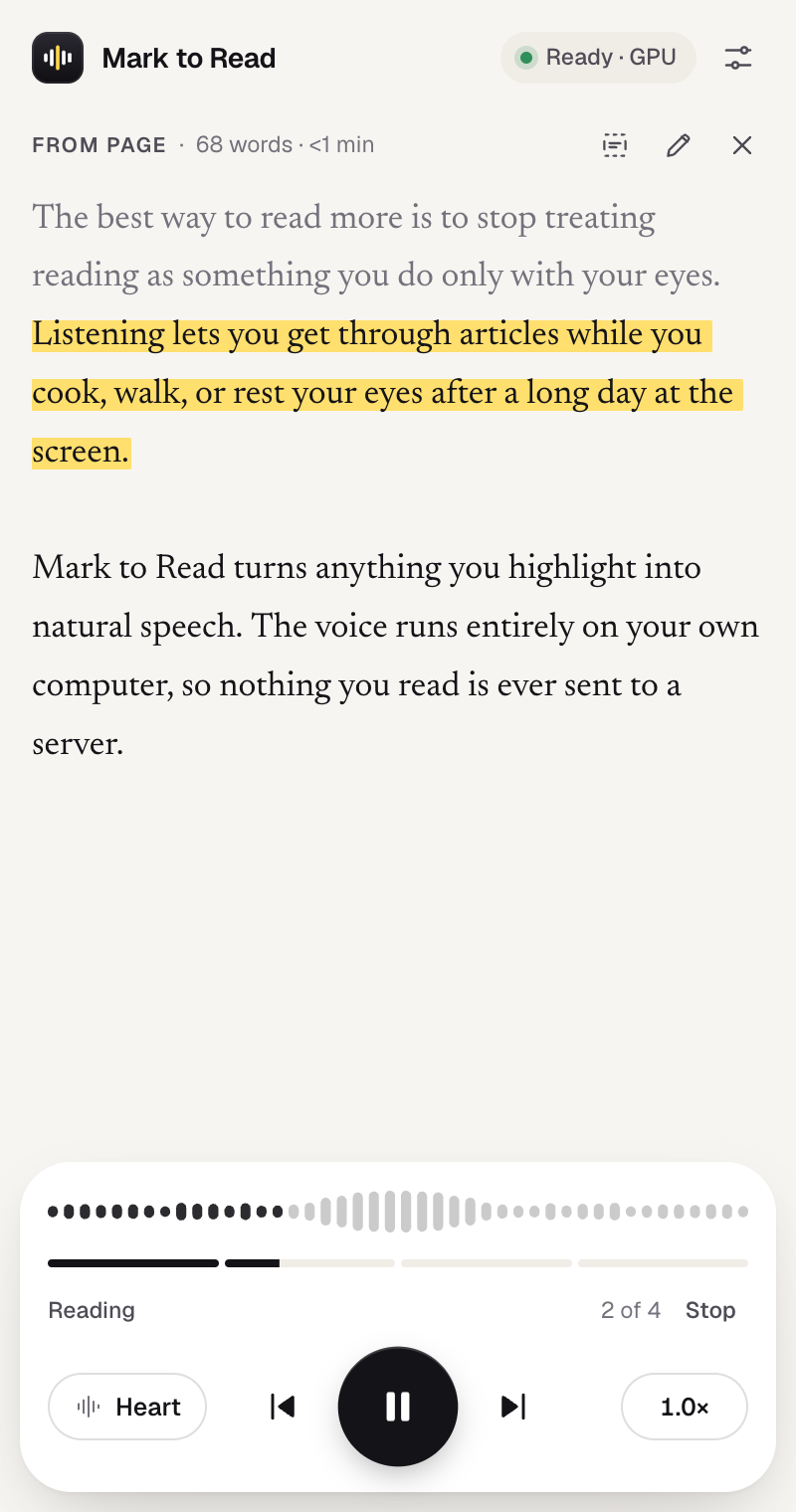
Mark to Read lives in Chrome’s side panel, right next to what you’re reading.
Highlight
Select a sentence, a paragraph or a whole article on any page, then click the Mark to Read icon. Or let highlights appear on their own.
Press play
Click play, right-click and choose “Read aloud”, or press Alt Shift R.
Listen
Each sentence is highlighted as it’s read. Click any sentence to jump there, change the voice or speed anytime.
Runs on your computer. Not in the cloud.
Most read-aloud tools send your text to a server. Mark to Read runs a compact neural voice inside your browser, so what you read stays yours.
Nothing uploaded
Your text is turned into speech locally and never sent anywhere.
No account
No sign-up, no API key, no tracking, no ads.
Works offline
After a one-time download of the voice, no internet is needed.
Open-source voice
Powered by Kokoro-82M, an openly licensed speech model.
Made for long reads and tired eyes.
20 voices, 5 languages
English, Spanish, French, Italian and Portuguese, detected automatically for every paragraph.
Any speed
From a relaxed 0.6× to a brisk 2×, without the chipmunk effect.
Follows along
Sentence-by-sentence highlighting so you never lose your place.
Keyboard first
Shortcuts to read, pause and skip, without touching the mouse.
Fast on your GPU
Uses your graphics card when available, with an automatic CPU fallback.
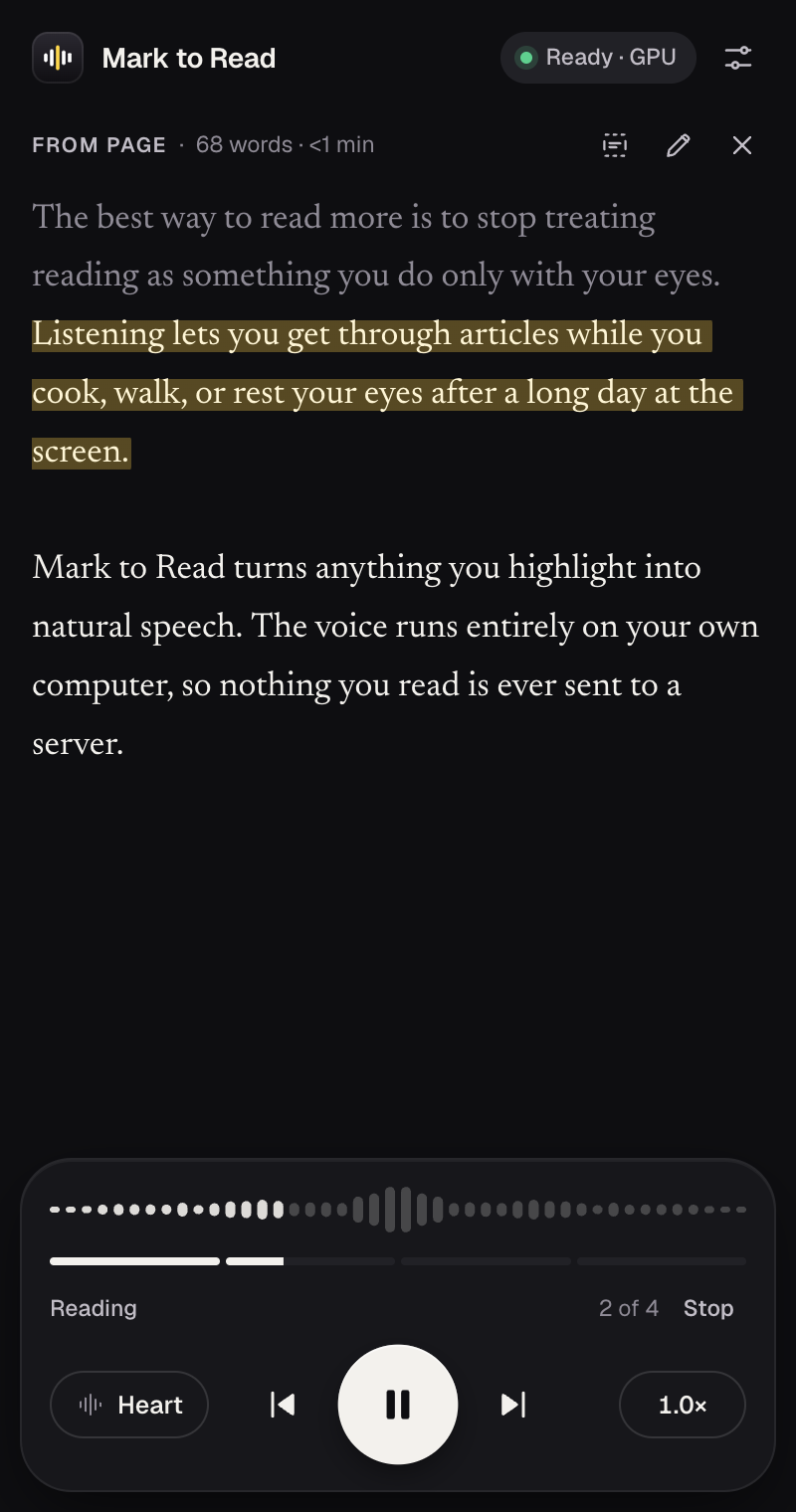
Light & dark
A quiet interface that matches your system and stays out of the way.
Give your eyes a break. Start listening.
Add to Chrome — it’s freeWorks in Google Chrome and other Chromium browsers on desktop.